The AI meeting notetaker
you can ask questions
KenzNote records your Zoom, Google Meet and Microsoft Teams calls, or you upload a file. You get the transcript, a summary and action items. Then ask it anything, and every answer links to the moment it was said.
Trusted by teams at





What is KenzNote?
KenzNote is an AI notetaker for meetings and lectures. It records Zoom, Google Meet and Microsoft Teams calls, or you upload a file, and it gives you a transcript with speaker names, a summary and action items. Then you ask questions across one meeting or a whole folder, and every answer links to the moment it was said.
How do recordings get in?
- Paste a Zoom, Google Meet or Microsoft Teams link and a notetaker bot joins. No calendar access needed.
- Record your screen from the browser. No bot joins the call. Works in desktop Chrome, Edge and Brave.
- Upload any audio or video file.
What do you get back?
A full transcript with speaker identification, an AI summary, action items with owner and deadline, and a searchable archive of every meeting.
What is Ask Kenz?
Ask Kenz answers questions about one meeting or a whole folder of them. Ask "What did Sarah commit to?" and you get an answer with a citation like [12:34 · Sarah]. Click it to jump to that moment in the recording. If the answer is not in the recording, Kenz says so.
Which languages does KenzNote support?
KenzNote transcribes 50+ languages, including Arabic and Turkish. A recording that mixes up to 3 languages is supported, and Ask Kenz answers in the language of your question.
Is my data private?
Your recordings are never used to train AI models. Data is encrypted in transit and at rest, and you can use KenzNote without connecting a calendar.
How much does KenzNote cost?
| Plan | Price |
|---|---|
| Free | 2 meetings, up to 120 minutes, no credit card |
| Pay as you go | $0.99 per hour, minimum 5 hours, hours valid for 1 year |
| Unlimited | $11.99 per week, $39.99 per month or $359.99 per year |
KenzNote was founded in 2023 in Kocaeli, Turkey. Last updated .
Your meeting, handled while it happens
Kenz joins the call, writes everything down, and turns it into notes you can actually use.
Live recording
Record any call or in-person meeting right from your browser.
Instant summary
Key points and action items, ready when the call ends.
Ask your meetings
Get answers with links to the exact moment.
Three ways to capture any meeting
Send the bot, upload a file, or record right in your browser.
 Google Meet
 Zoom
 Microsoft Teams
Works seamlessly with
Google MeetZoomMicrosoft TeamsComplete AI Meeting Notes Delivered Automatically
Your AI meeting assistant instantly delivers a comprehensive analysis package with actionable insights after every meeting
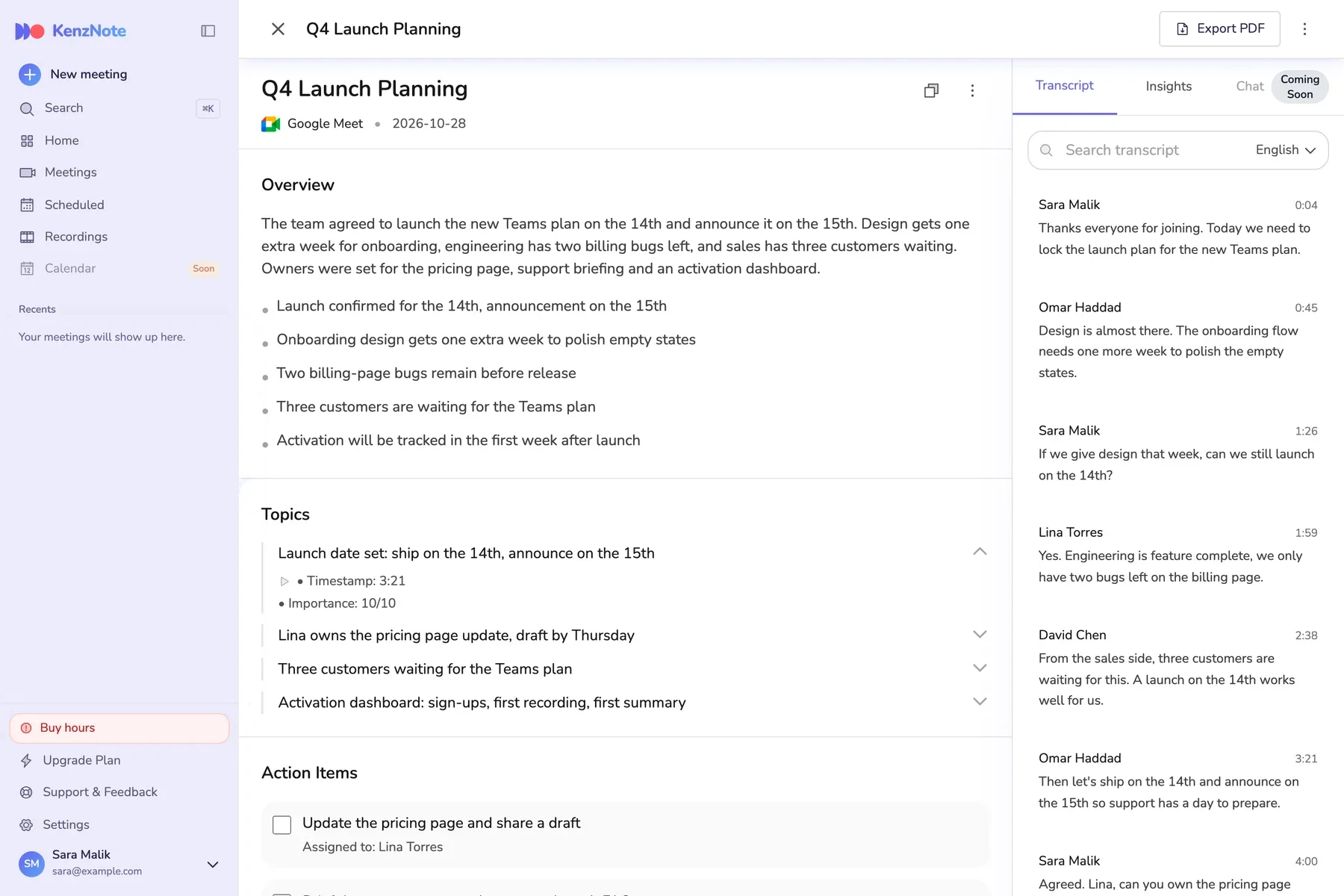
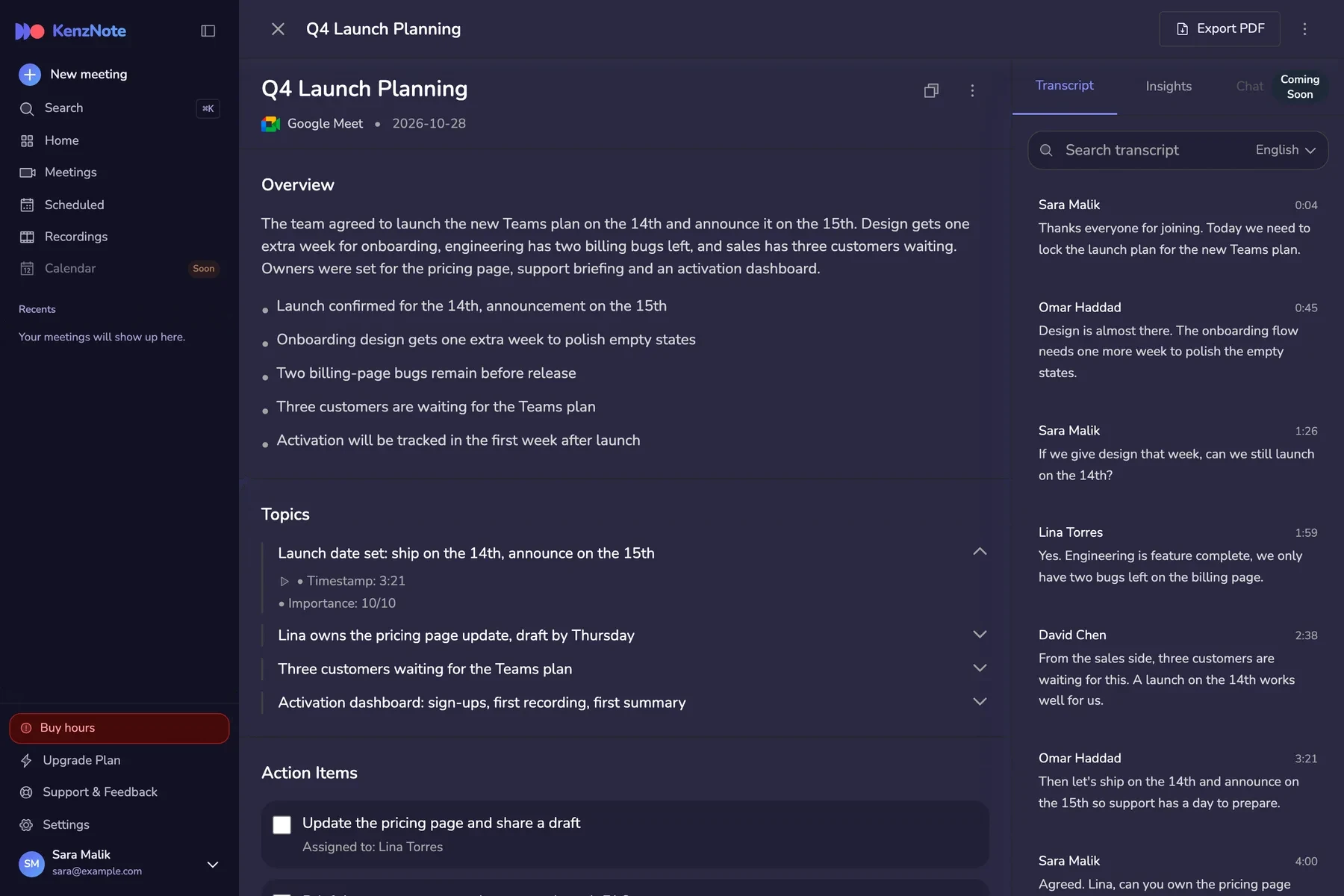
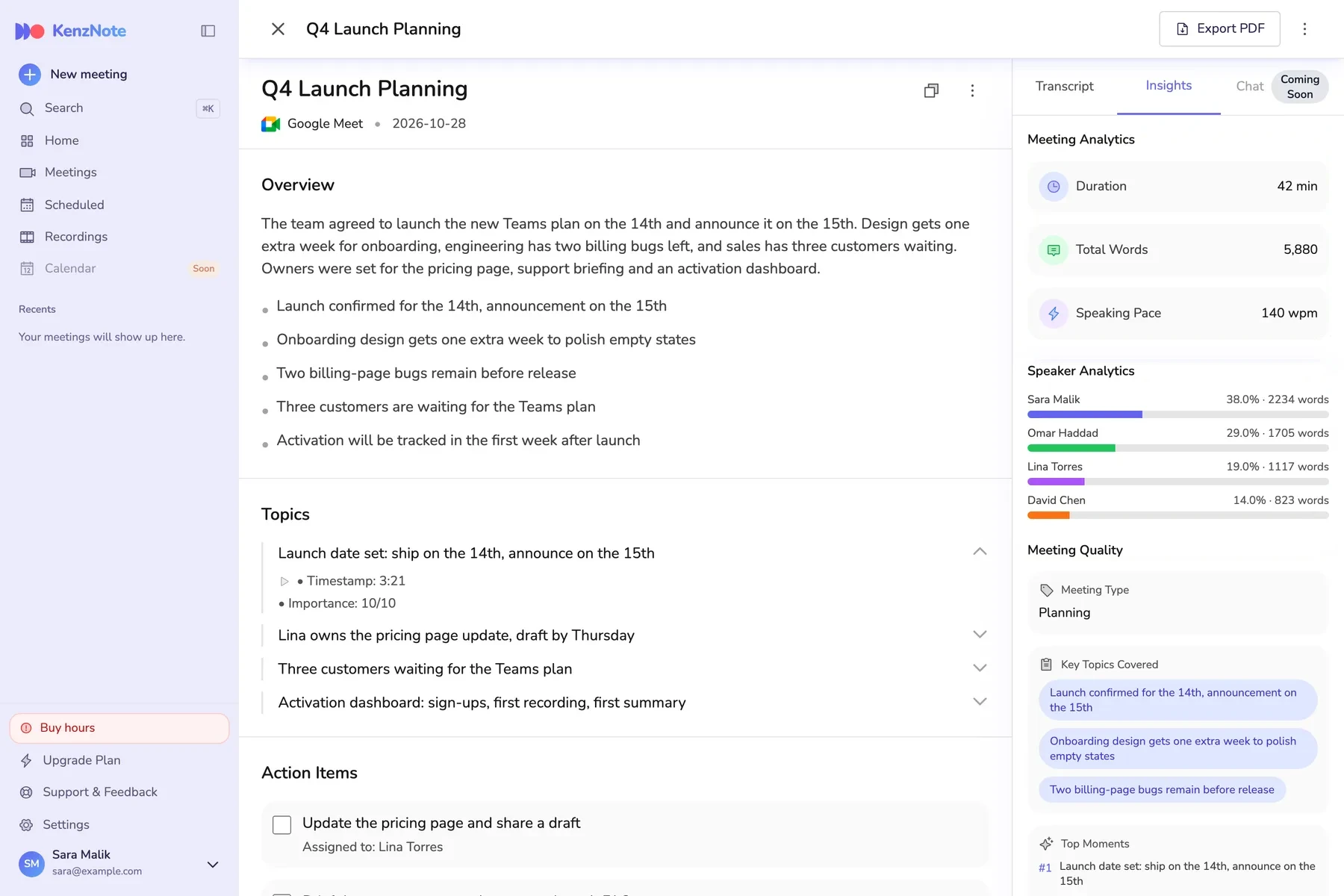
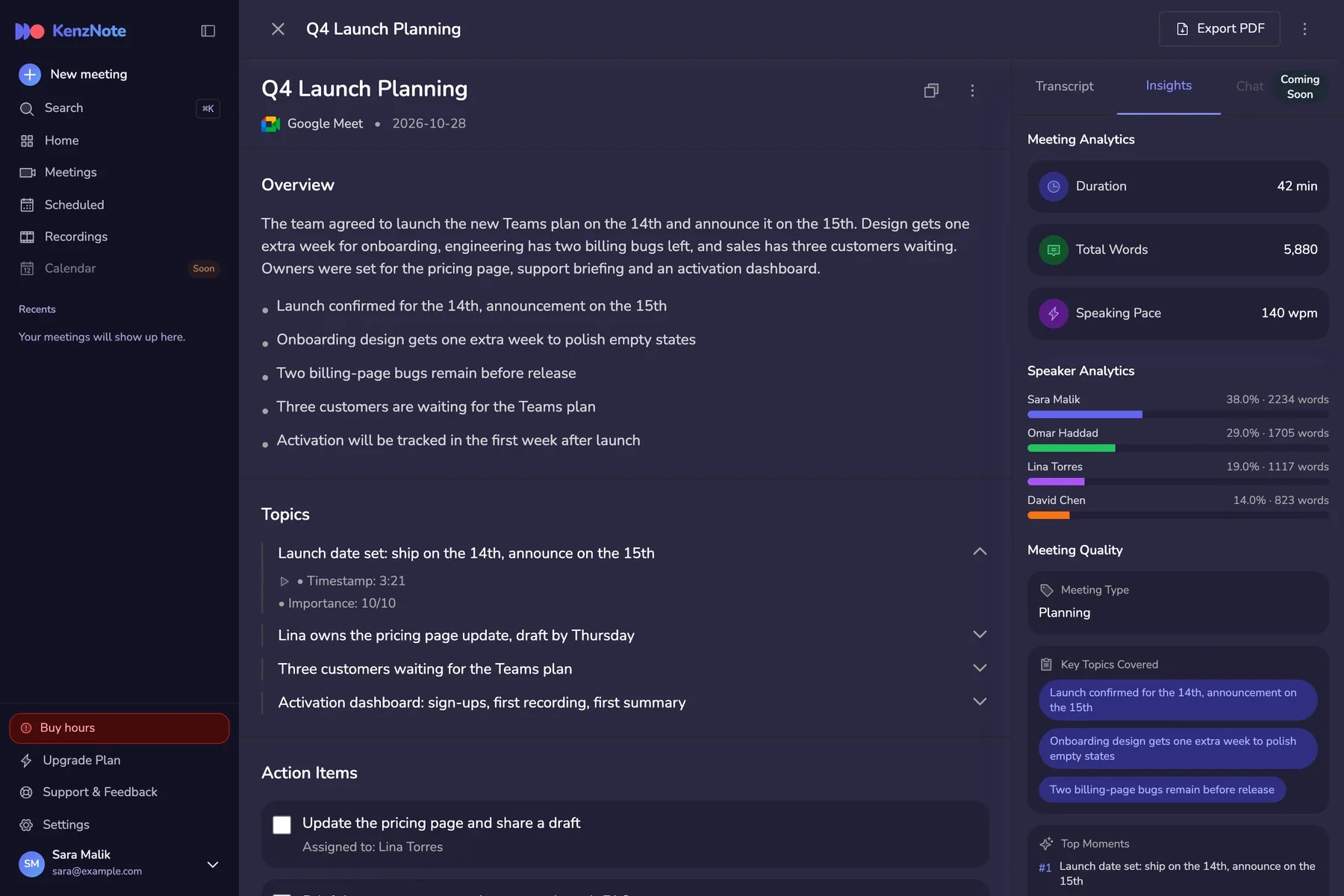
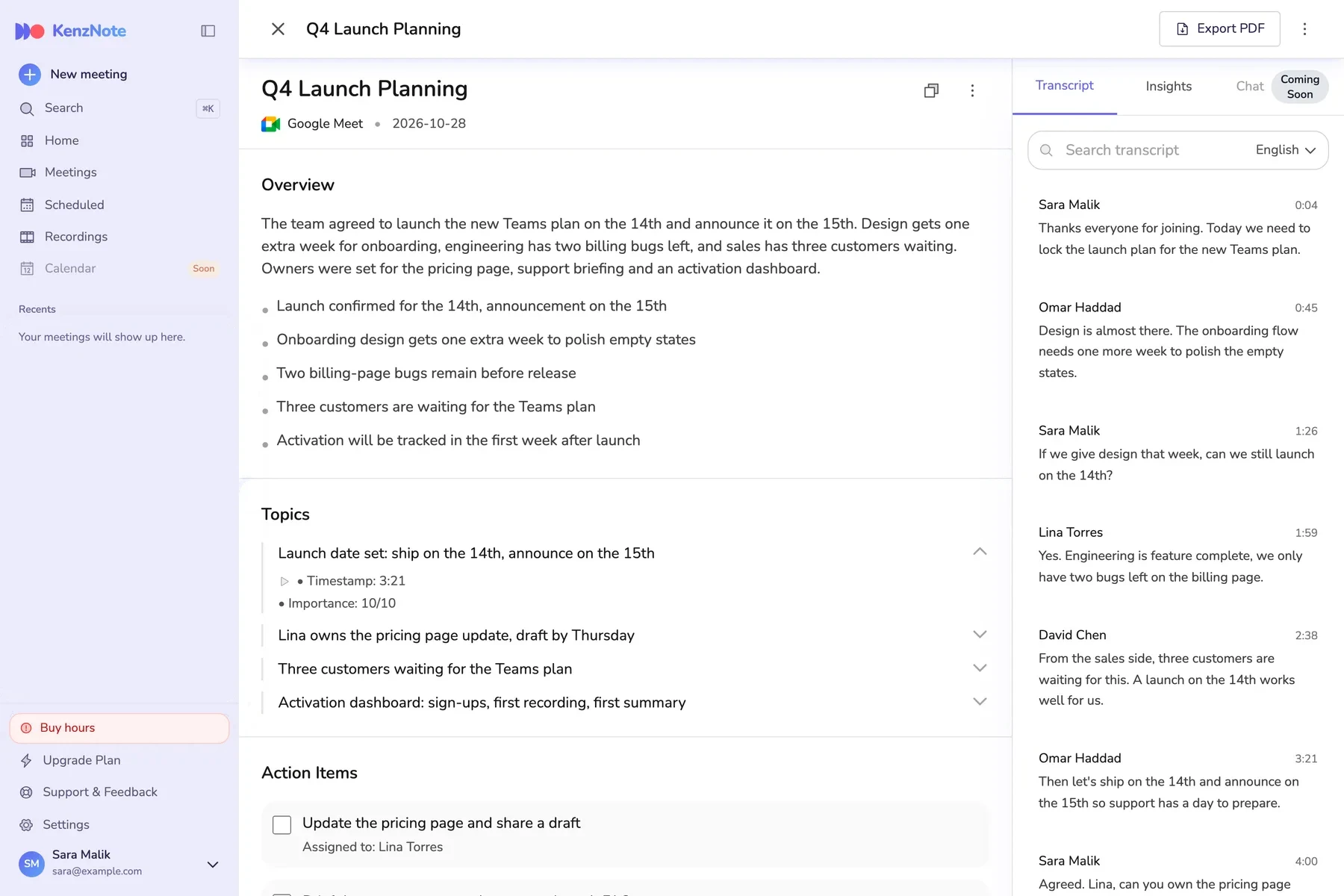
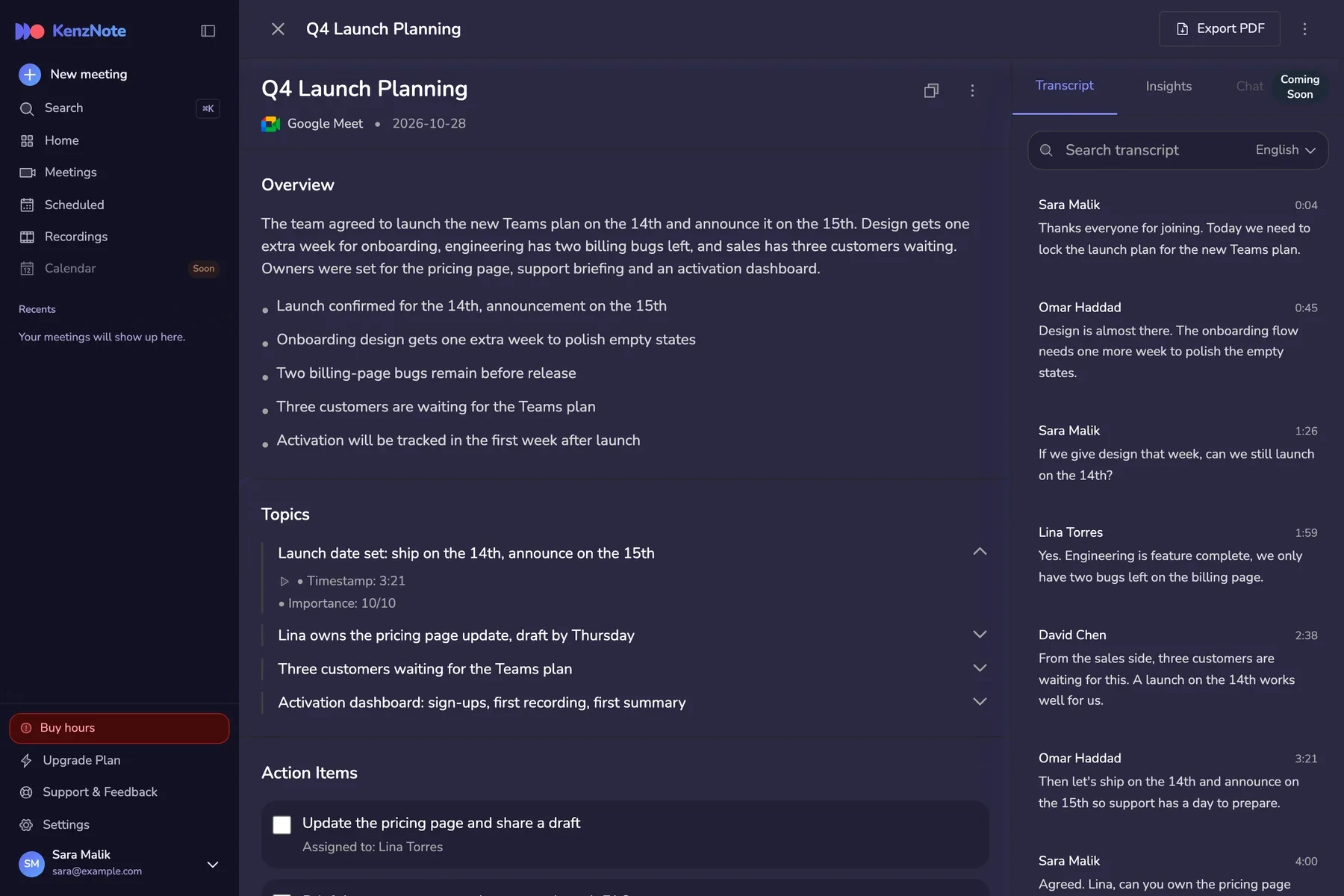
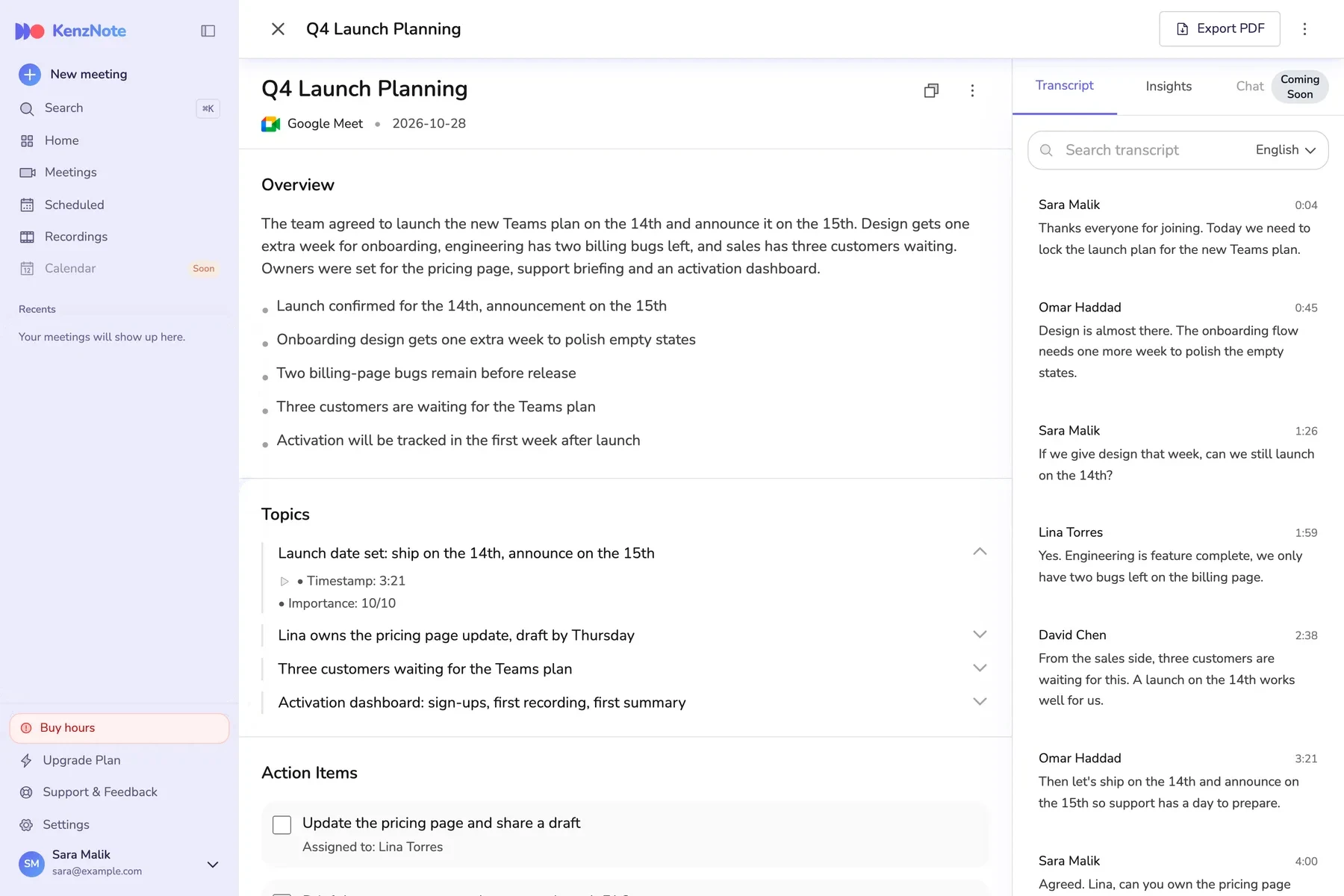
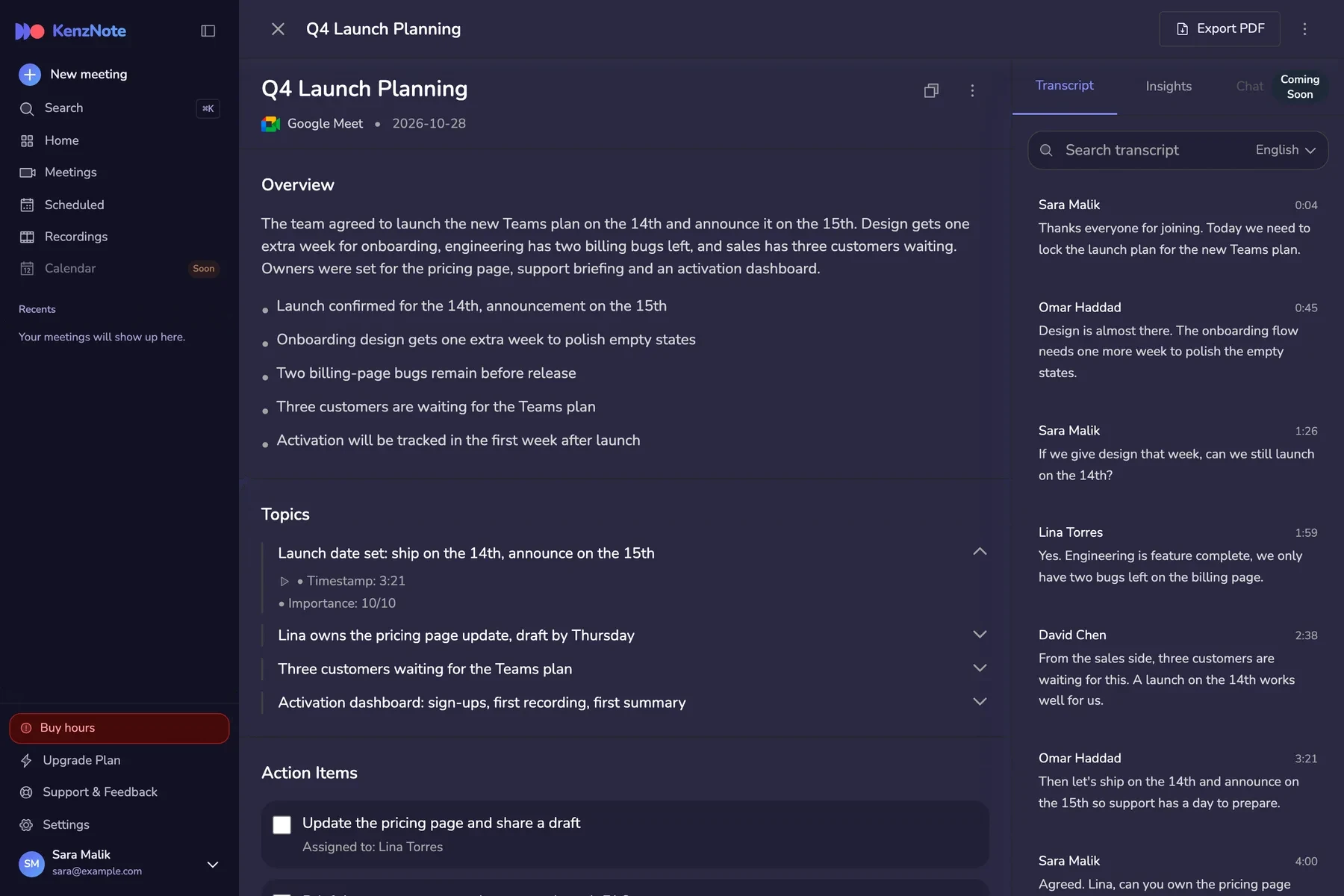
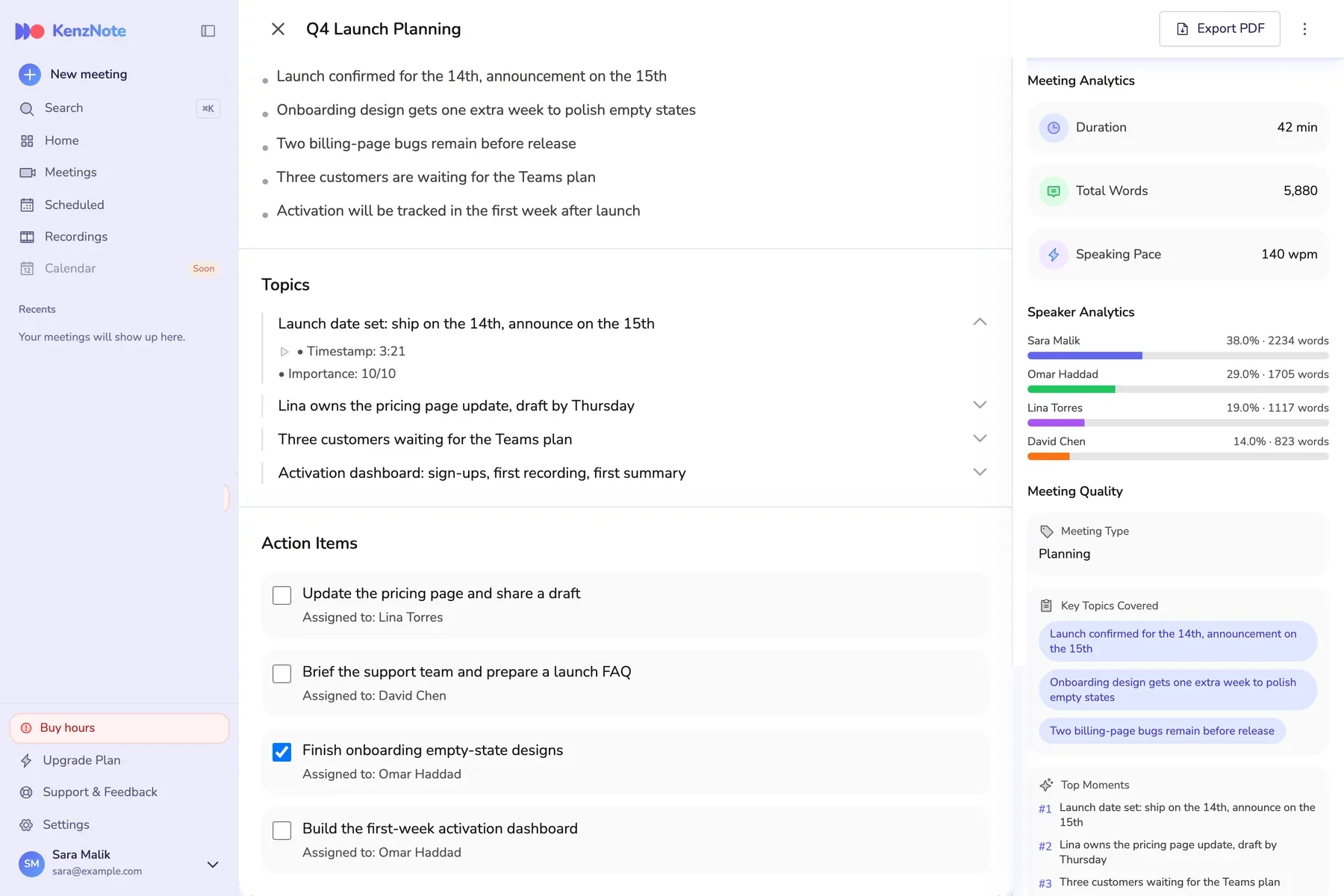
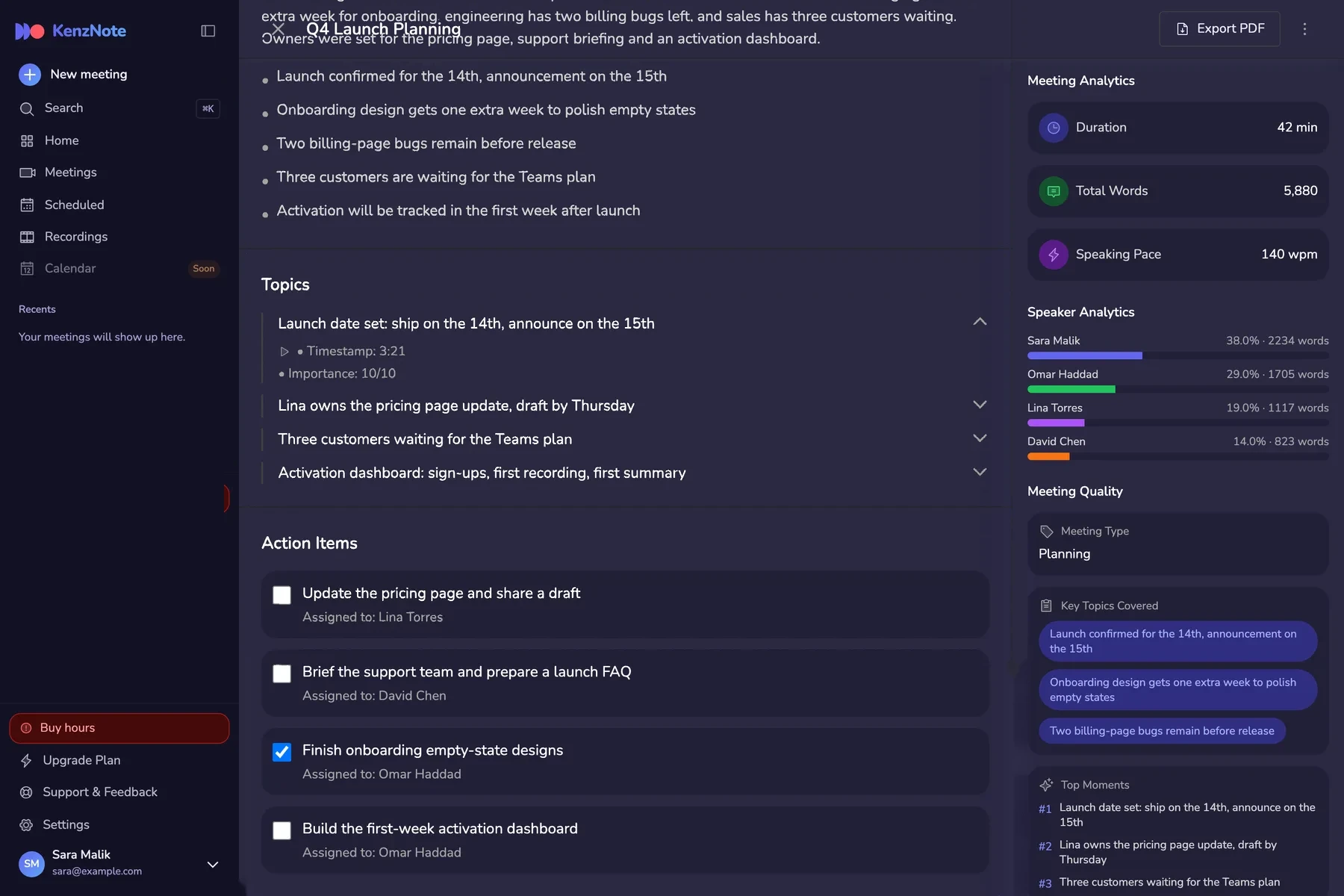
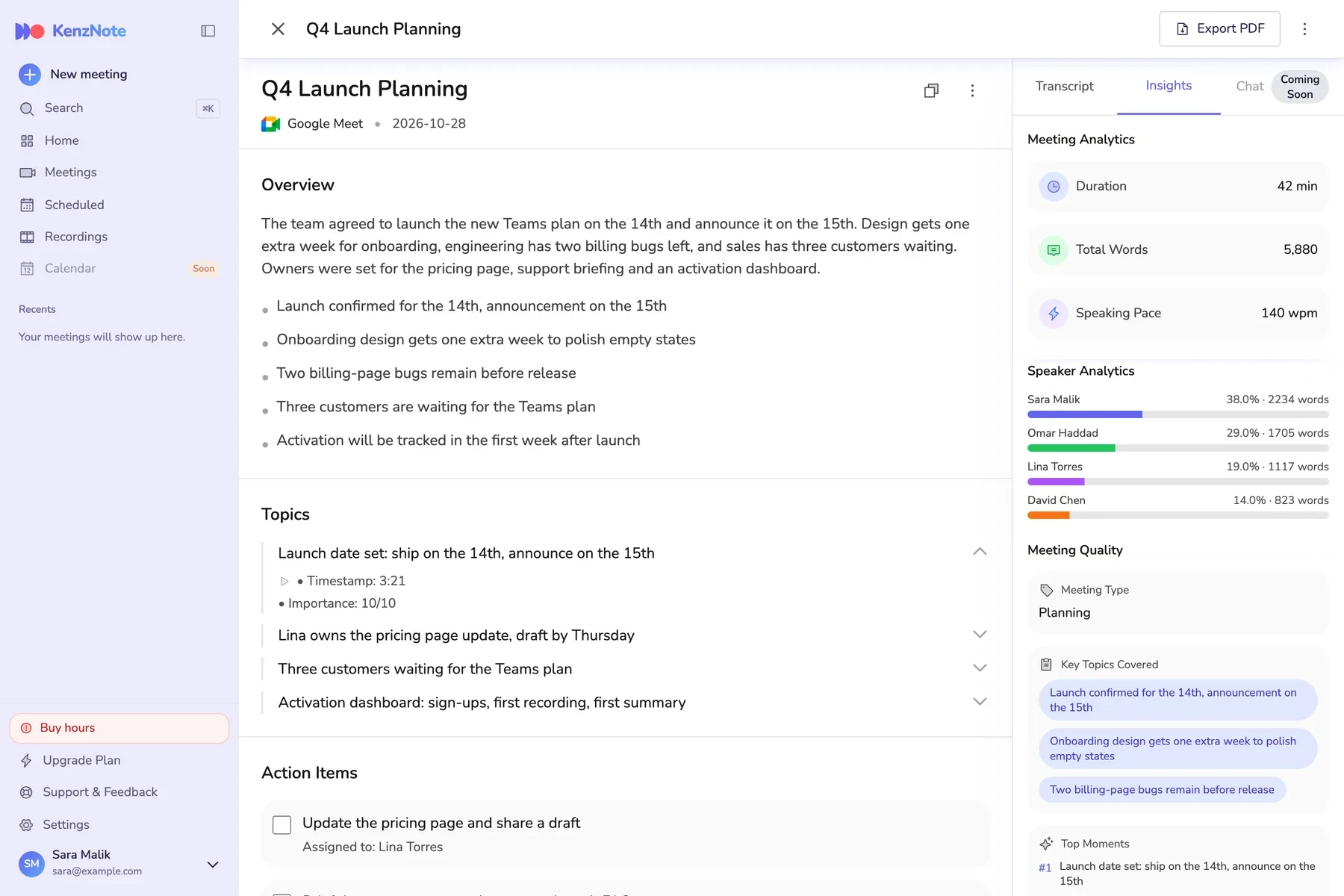
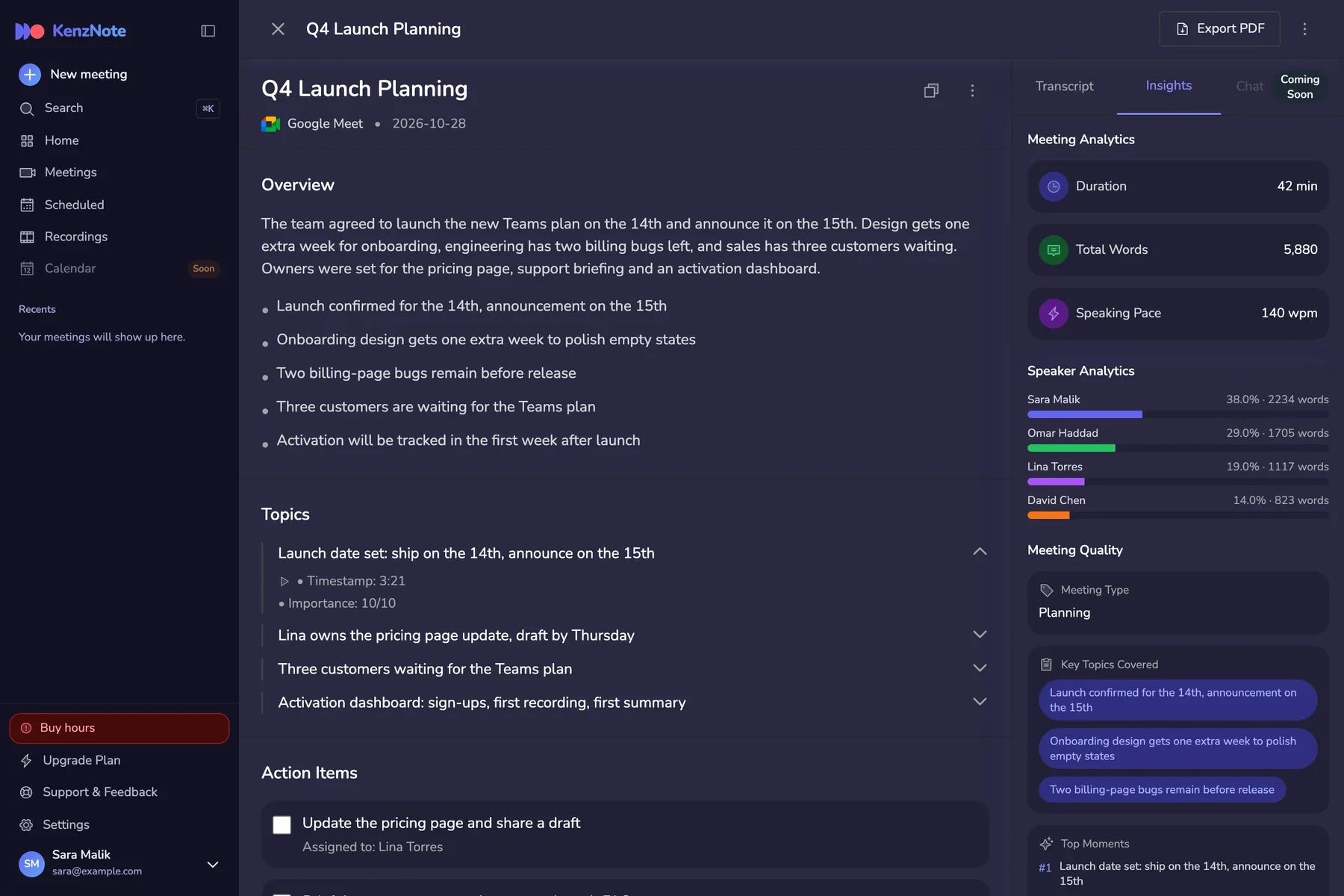
Accurate Transcription
A complete transcript of every meeting, split by speaker with a timestamp on every line.
- Every word, labeled by speaker
- Timestamps you can jump to
- Search and export the full text
All delivered within minutes after your meeting ends
Record Meetings Anywhere and Anytime
KenzNote works seamlessly with all major video conferencing platforms
Google Meet
Perfect for Google Workspace users
- Bot joins automatically and records
- Fast transcription within 3-5 minutes
- Summaries sent to Gmail
More platforms coming soon
From call to clear notes in four steps
No note-taking, no copy-pasting. Just invite Kenz and get back to the conversation.
- 01
Kenz joins
The bot joins your Zoom, Meet or Teams call, live or scheduled.
- 02
Transcribes
Every word is captured and labeled by speaker.
- 03
Analyzes
AI pulls out the summary, decisions and action items.
- 04
Delivers
Notes land in your dashboard, ready to search and share.
Built for Every Team
From sales calls to sprint planning, KenzNote empowers teams across your organization
Sales Teams
Close more deals with perfect meeting recall and automated follow-ups
- Capture every customer requirement
- Auto-generate follow-up emails
- Track objections and competitive mentions
- Share insights with team instantly
HR & Recruiting
Streamline hiring and improve candidate experience with detailed interview notes
- Document candidate responses accurately
- Compare candidates objectively
- Share feedback with hiring teams
- Build better onboarding materials
Engineering Teams
Focus on building while KenzNote handles sprint planning and technical discussions
- Document architectural decisions
- Track sprint commitments automatically
- Create technical documentation from meetings
- Never miss a deployment detail
Product Teams
Capture user feedback and prioritize features with comprehensive meeting records
- Document user research sessions
- Track feature requests and priorities
- Create PRDs from stakeholder meetings
- Maintain product decision history
Marketing Teams
Align campaigns and track creative decisions with organized meeting insights
- Document campaign strategies
- Track brand guidelines discussions
- Share creative feedback efficiently
- Coordinate cross-functional launches
Customer Success
Deliver exceptional support with complete customer conversation history
- Track customer pain points and feedback
- Document support escalations
- Share insights across support team
- Improve customer satisfaction scores
No matter your role, KenzNote has you covered
Join oue teams whoes already using KenzNote
Why Teams Choose Our AI Meeting Assistant
Everything you need to capture, understand and act on your meetings.
Accurate Transcription
Accurate transcription across 50+ languages. Clear audio gives the best results, and you can edit any transcript afterwards.
50+ Languages Supported
Break down language barriers with support for over 50 languages. From English to Mandarin, Spanish to Arabic-KenzNote understands your global conversations.
Smart AI Meeting Notes & Insights
Go beyond transcription with your AI meeting assistant. Get interactive action items, key topics, decisions, and intelligent insights that help you act on what matters most.
Stay Organized
All your meeting notes, transcripts, and action items in one searchable place. Find any meeting moment instantly, even from months ago.
Pay As You Go
No subscription required. Pay $0.99 per hour of meeting time, and your hours stay valid for a full year. Prefer a flat rate? Unlimited plans are there when you need them.
Calendar Optional
Send the notetaker with a meeting link, record your screen or upload a file without connecting any calendar. Want it automatic? Connect Google Calendar or Outlook. Your choice.
Expert in Meeting Intelligence
Built specifically for business meetings and professional conversations. Our AI understands business context, terminology, and workflows to deliver insights that matter.
Enterprise Security
Industry-standard encryption, with data handling aligned with GDPR. Your meeting data is protected with secure cloud infrastructure and customizable retention policies.
Everything You Need in One Platform
Powerful features designed to transform how you capture, analyze, and act on meeting insights
Accurate Transcription
Transcription in 50+ languages with automatic punctuation and formatting
Speaker Identification
Automatically detect and label speakers with precise timestamps for every statement
AI-Powered Summaries
Get concise executive summaries highlighting key decisions and important discussions
Key Points & Headlines
Auto-detected highlights with timestamps for instant navigation to critical moments
Interactive Action Items
AI-extracted tasks that you can edit, assign, and mark as done with one click
Meeting Analytics
Understand dynamics with speaking time, top topics, and sentiment analysis
Multi-Platform Support
Works seamlessly with Google Meet, Zoom, Microsoft Teams, and more
Upload Recordings
Process pre-recorded meetings with support for MP3, MP4, WAV, and more
Live Recording
Browser-based recorder for in-person meetings with fast transcription after upload
50+ Languages
Support for major world languages with industry-leading accuracy
Searchable Transcripts
Find any word or phrase instantly across all your meeting transcripts
Multiple Export Formats
Download transcripts in TXT, PDF, DOCX, or share directly with your team
Timestamp Navigation
Jump to exact moments in the meeting with clickable timestamps
Enterprise Security
Encryption in transit and at rest, secure cloud storage, and data handling aligned with GDPR
Lightning Fast
Get your results within minutes after the meeting ends with cloud processing
All features included in every plan
Ready to Transform
Your Meeting Experience?
Join our teams who are already saving 10+ hours per week with KenzNote's AI-powered meeting intelligence
2 Meetings Free
languages
Record, transcribe and summarize meetings in the language you actually speak, with automatic detection.
- English
- Spanish
- German
- French
- Arabic
- Chinese
- Japanese
- Portuguese
- Russian
- Turkish
- Hindi
- Italian
- Korean
- Dutch
- Polish
- Indonesian
Frequently Asked Questions
Everything you need to know about KenzNote
KenzNote is an AI-powered meeting assistant that captures your meetings, transcribes conversations with high accuracy, and generates intelligent summaries with action items. After your meeting ends, you'll receive complete transcripts and AI analysis within 3-5 minutes. It works seamlessly with Google Meet, Zoom, and Microsoft Teams.
Pick whichever way suits the meeting: paste a Zoom, Google Meet or Teams link and our notetaker joins as a visible participant; record your screen and audio free in the browser, even without an account; or upload an audio or video file. You can also connect Google Calendar or Outlook so the notetaker joins your meetings on its own, but that is optional. After the meeting you get a transcript, an AI summary and action items.
KenzNote never forces you into one workflow. Calendar access is optional: send the notetaker manually with a meeting link, record your screen, upload a file, or connect your calendar if you want it automatic. Pay as you go from $0.99 per transcribed hour with no subscription, and your meetings are never used to train AI.
No. KenzNote runs entirely in your web browser, with nothing to download and no plugins. The free screen recorder works in Chrome, Edge or Brave without even creating an account, and connecting a calendar is optional.
KenzNote supports 50+ languages including English, Spanish, French, German, Italian, Portuguese, Chinese, Japanese, Korean, Arabic, Russian, Dutch, Turkish, Polish, and Hindi. We're constantly adding more languages based on user requests.
Still have questions?
Our team is here to help you get started with KenzNote